Card terminal outages, broadband drops, power cuts and software updates that will not finish all happen. Most businesses discover they have no plan at 1pm on a Saturday. Ten minutes of preparation now saves a lot of stress later.
Step 1: work out what you can still accept
- Cash. Make sure the float can cope with more cash than usual.
- Bank transfer or payment link. Useful for larger amounts and regular customers. Only hand over goods once you are satisfied the payment has been made, and keep the sale on your paper record either way.
- Card, offline. Some terminals can store transactions and send them later. Whether yours can, and the limits that apply, depends on your provider. Find out now, not during the outage.
- Account customers. Trade customers with an account can sign a docket and be invoiced later.
Step 2: record every sale on paper
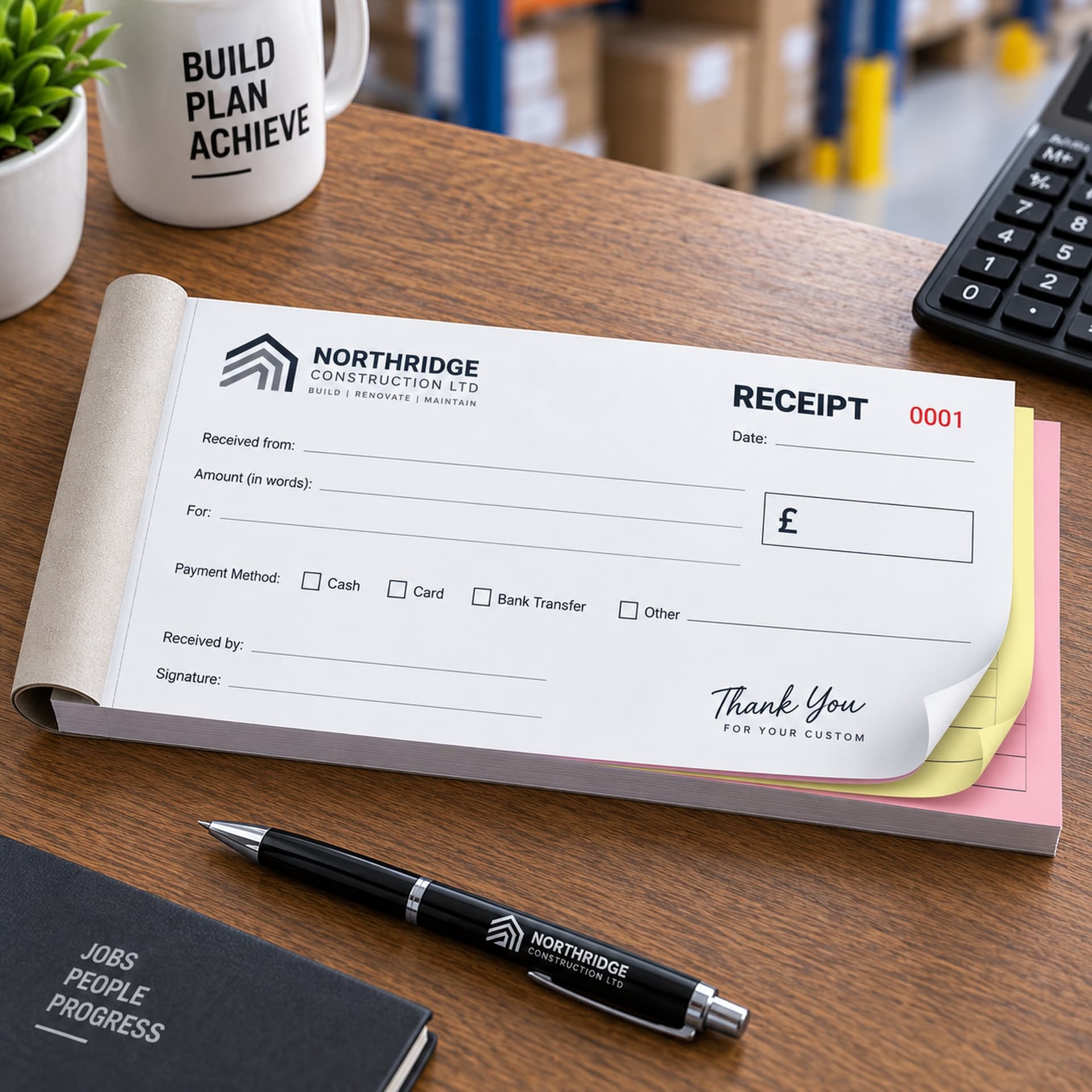
Use a numbered carbonless receipt book, not a notepad. For each sale, write:
- the date and time
- what was sold, with quantities
- the amount
- how it was paid: cash, transfer, offline card or account
- the initials of the person who served
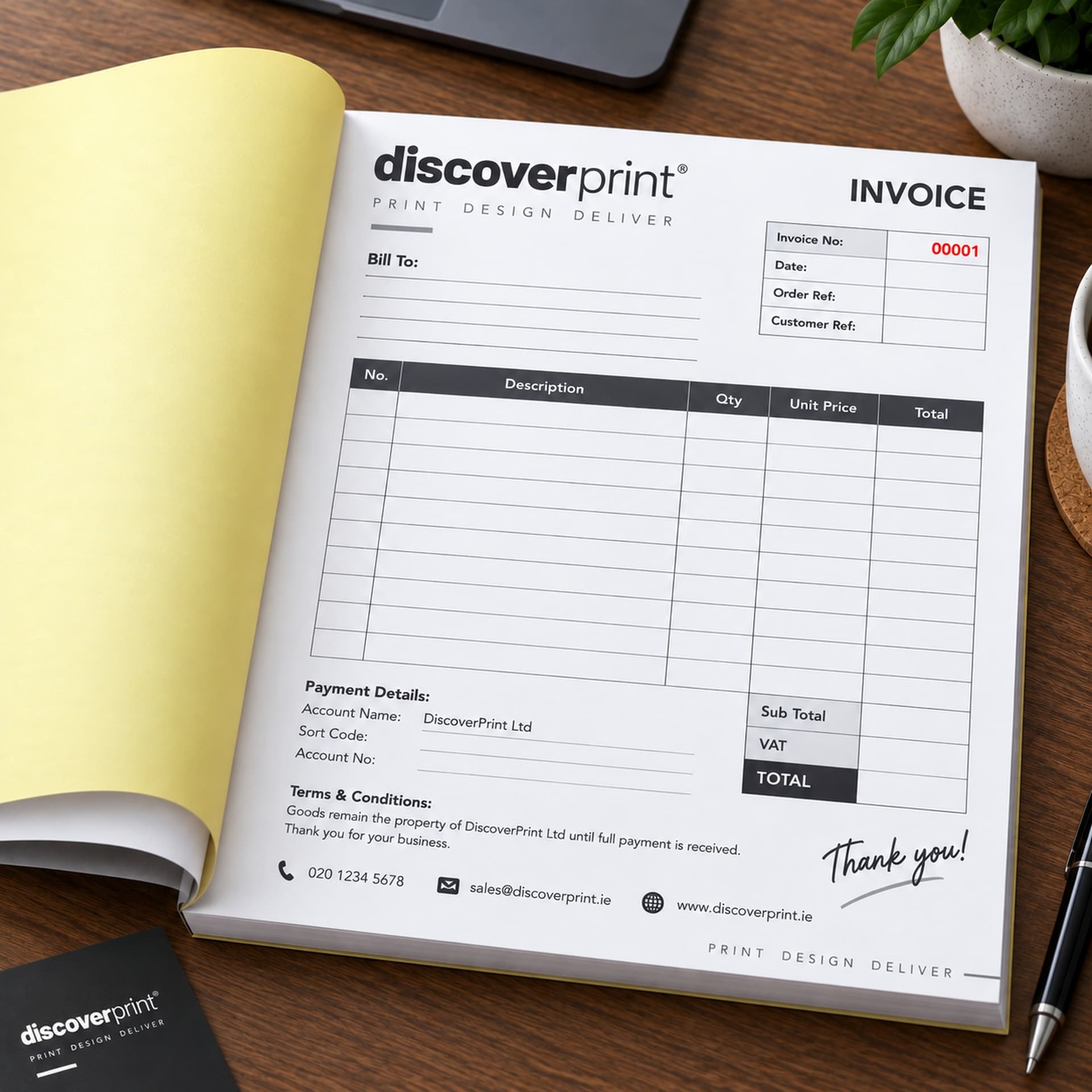
Give the customer the top copy and keep the copy in the book. If a customer needs a VAT invoice for their business, Revenue allows a simplified invoice for amounts up to €100, showing the date, your name, address and VAT number, a description, and the VAT or the price excluding VAT. For larger amounts, give them a full VAT invoice later, referring to the receipt number.
What you must never write down
Never record a customer's full card number, expiry date or security code on paper, in a notebook or on the back of a receipt, even with good intentions. If your terminal cannot take the card, the customer pays another way or comes back. Card details on paper are a serious fraud and data protection risk, and card providers do not allow it.
Step 3: catch up once the system is back
- Enter the paper sales in the till or software in receipt number order.
- Write the till transaction number on the book copy of each receipt.
- Total the paper receipts and have a second person check that the same total reached the system.
- Count the cash taken during the outage against the cash receipts.
- Keep the receipt book with your records. Revenue lists sales receipts and till rolls among the documents that support your sales figures.
Make it easy for staff
- Keep the backup book in the same place at every till, with two working ballpoint pens.
- Tape a short instruction card inside the cover: accepted payment methods, what to write, and "never write card numbers".
- Tell staff who to ring if the outage lasts more than a few minutes.
- After each outage, check the book and replace it if it is nearly full.
New staff often do not know how carbonless books work. How does a receipt book work, and how many receipts are in one? is a good two-minute read for them. If you are not sure whether you need a receipt book or an invoice book as your backup, see What is the difference between a receipt book and an invoice book? And if you are wondering whether you have to give customers a receipt at all, Do businesses have to give a receipt in Ireland? covers the rules.
Which book works best at a counter?
A small book is easiest to keep beside the till. A6 (105mm x 148mm) or DL (99mm x 210mm) fits in a drawer and has room for a few lines and a total. Choose A5 if your sales usually involve several items. A duplicate book is enough for most shops: one copy for the customer, one for the book.
A backup receipt book printed with your details
Discoverprint's personalised receipt books are printed in black ink with your business name, address and VAT number, numbered in sequence on every part and perforated for clean tear-off. Choose A4, A5, A6 or DL, duplicate with 100 receipts or triplicate with 50. Design is free and delivery is free anywhere in Ireland. See the full NCR books range.